KLING-VIDEO/V3/PRO/IMAGE-TO-VIDEO
URL of the image to be used for the video
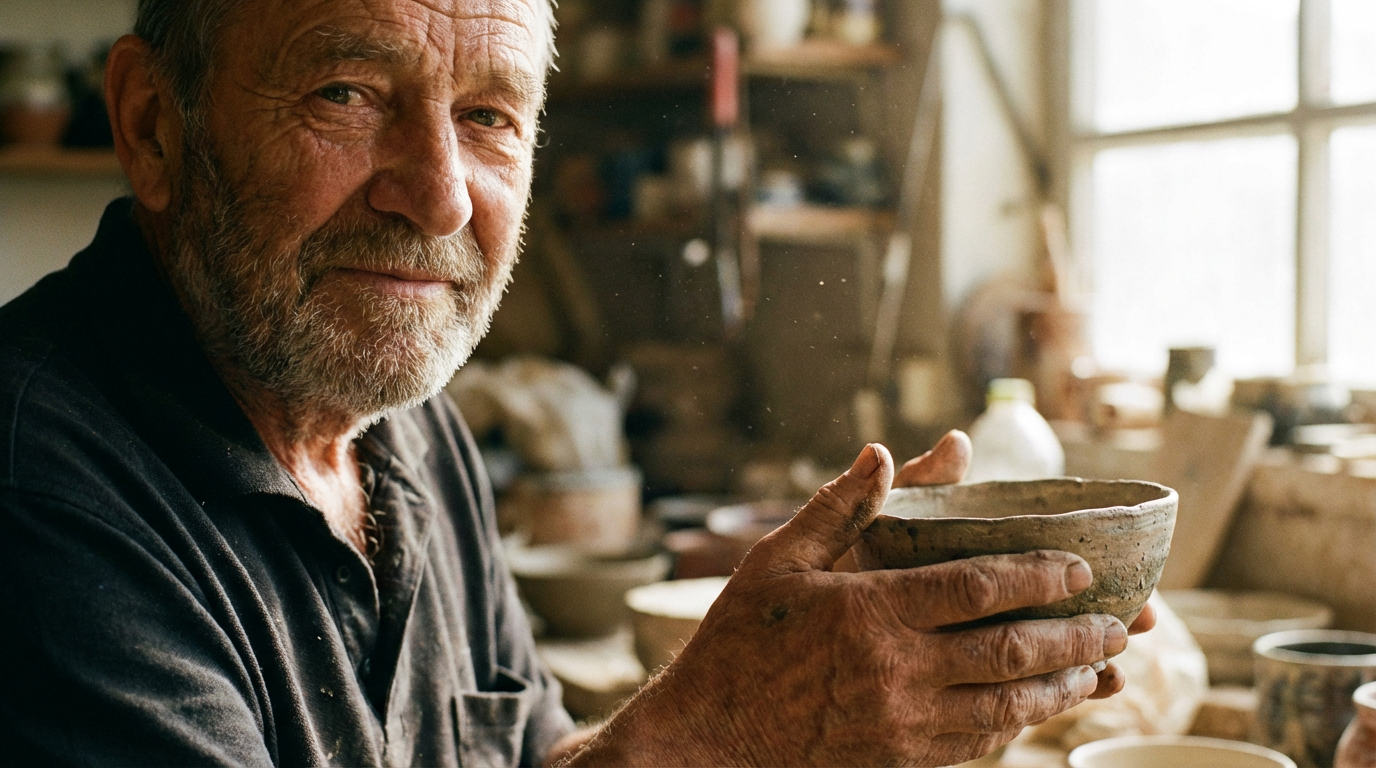
Text prompt for video generation. Either prompt or multi_prompt must be provided, but not both.
List of prompts for multi-shot video generation. If provided, divides the video into multiple shots.
The duration of the generated video in seconds
Whether to generate native audio for the video. Supports Chinese and English voice output. Other languages are automatically translated to English. For English speech, use lowercase letters; for acronyms or proper nouns, use uppercase.
URL of the image to be used for the end of the video
Optional Voice IDs for video generation. Reference voices in your prompt with <<<voice_1>>> and <<<voice_2>>> (maximum 2 voices per task). Get voice IDs from the kling video create-voice endpoint: https://fal.ai/models/fal-ai/kling-video/create-voice
Elements (characters/objects) to include in the video. Each example can either be an image set (frontal + reference images) or a video. Reference in prompt as @Element1, @Element2, etc.
The type of multi-shot video generation. Required when multi_prompt is provided.
The aspect ratio of the generated video frame
The CFG (Classifier Free Guidance) scale is a measure of how close you want the model to stick to your prompt.
Run the workflow to see results